OpenAI Unveils Group Chat Feature in ChatGPT to Foster Collaborative AI Use
OpenAI has rolled out a new group chat functionality within ChatGPT, allowing users to invite up to 20 individuals into a single ongoing conversation with the AI assistant. This marks a significant shift from ChatGPT’s traditional one-on-one interaction model toward facilitating small group collaboration. After a brief pilot phase earlier this month, the feature is now accessible to all logged-in users.
How ChatGPT Group Chats Operate
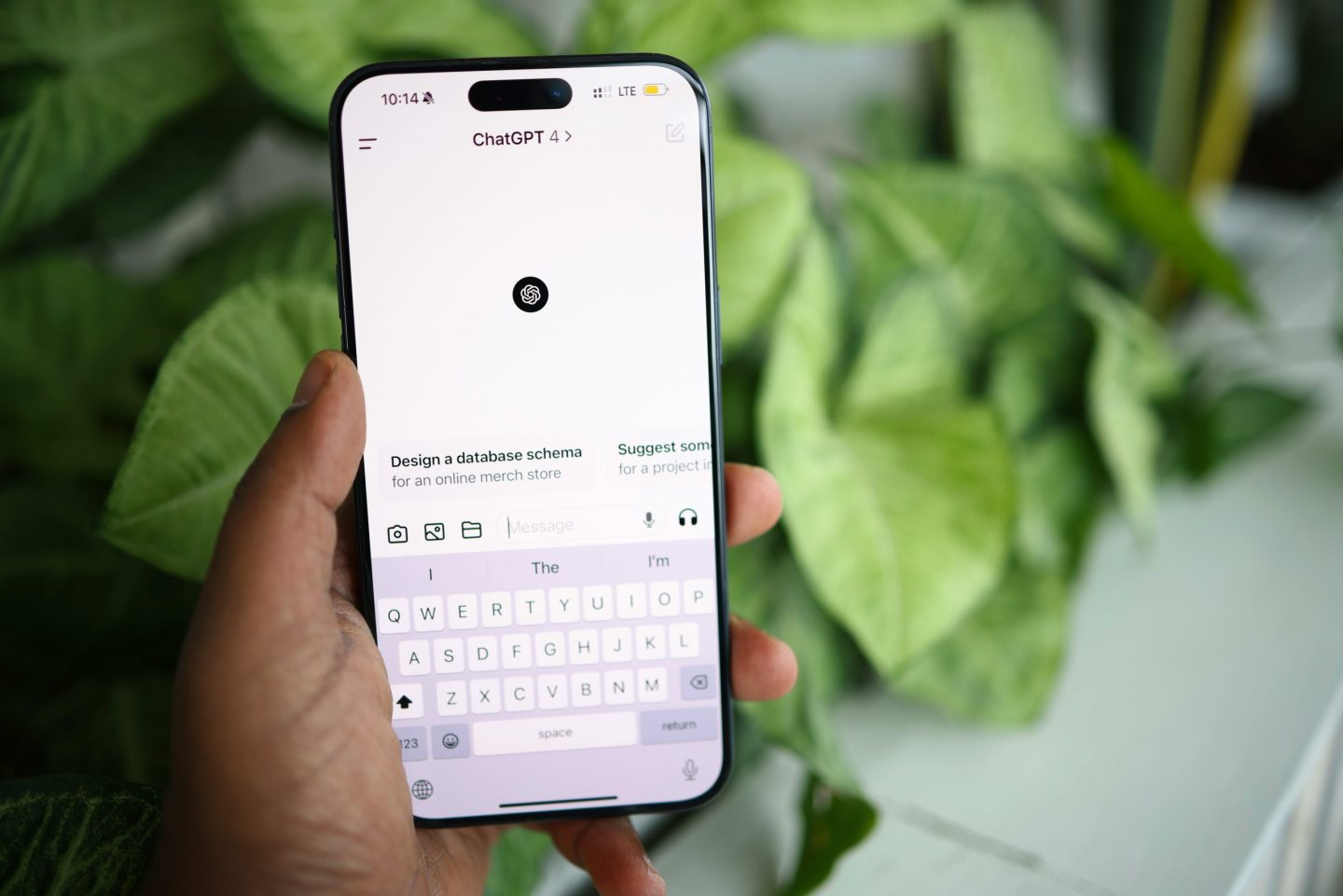
Users can initiate a group chat by clicking the “people” icon in the top-right corner of the ChatGPT interface. This action duplicates the current conversation into a shared space, where invitations can be sent via a link. The link is shareable, enabling more participants to join the discussion.
Upon joining a group chat for the first time, participants are prompted to set a display name, username, and profile photo to ensure clarity about who is speaking. OpenAI has designed ChatGPT to intelligently navigate conversation dynamics by deciding when to contribute or remain silent unless directly addressed with its name. The AI can also react with emojis and incorporate profile images when generating personalized content.
A settings menu offers controls to manage participants, mute notifications, and provide custom instructions to ChatGPT. Importantly, OpenAI emphasizes that ChatGPT does not leverage memories from private chats within group settings nor create new memories from group interactions, preserving user privacy.
The group chat feature utilizes the GPT-5.1 Auto model, which dynamically selects the optimal response mechanism based on user prompts and available options. This feature complements recent advancements such as the GPT-5.1 Instant and Thinking variants and follows the launch of Sora, a social video creation app.
Implications for Team Collaboration and Workflow Efficiency
While OpenAI highlights casual uses like planning dinners or trips, the group chat functionality holds considerable potential for professional environments where teams use ChatGPT for brainstorming, research, and project initiation.
- Cross-Functional Team Alignment: In large organizations, syncing product, design, engineering, and marketing teams can be challenging due to fragmented communications. Group chats centralize input, allowing contributors to join at any time and rely on ChatGPT to summarize discussions, identify unresolved issues, and help convert notes into actionable plans.
- Streamlined Review Cycles: Managing drafts across multiple channels often leads to confusion about current versions and feedback. Group chats enable simultaneous review and editing, with ChatGPT assisting in rewriting, comparing alternatives, and clarifying comments to accelerate turnaround times.
- Accelerated Onboarding: New team members can quickly get up to speed by joining existing group chats where ChatGPT summarizes past conversations, highlights decisions, and lists outstanding tasks, significantly reducing onboarding delays.
- Efficient Task Coordination: Routine activities such as organizing workshops or drafting emails benefit from ChatGPT’s ability to create schedules, checklists, and content drafts that the group can collaboratively refine without restarting from scratch.
- Organized Creative Feedback: Consolidating feedback from multiple sources often hampers creative progress. Group chats gather all input in one place, with ChatGPT categorizing themes, resolving contradictions, and proposing draft improvements, thereby minimizing rework and aligning team vision.
Contextualizing the Update Within AI’s Growing Role in Business
This launch arrives amid increasing efforts by enterprises to integrate AI more deeply into daily operations. ChatGPT’s group chats provide a shared platform where human collaboration and AI assistance converge to address common organizational inefficiencies such as scattered communications and prolonged review processes.
Although not a replacement for human management, the feature establishes a collaborative environment that blends conversational AI with multi-user interaction, potentially transforming how teams utilize AI for planning, coordination, and creative development.
Photo by Solen Feyissa

Related Articles
 How e& is Integrating AI into Enterprise Operations via HR Transformation
 Google Reports Data Theft from 200 Companies Following Gainsight Security Breach
 LeCun accuses Anthropic of exploiting AI cyberattack fears for regulatory capture
 Perplexity Accused of Ignoring Website Blocks and Scraping Restricted Content