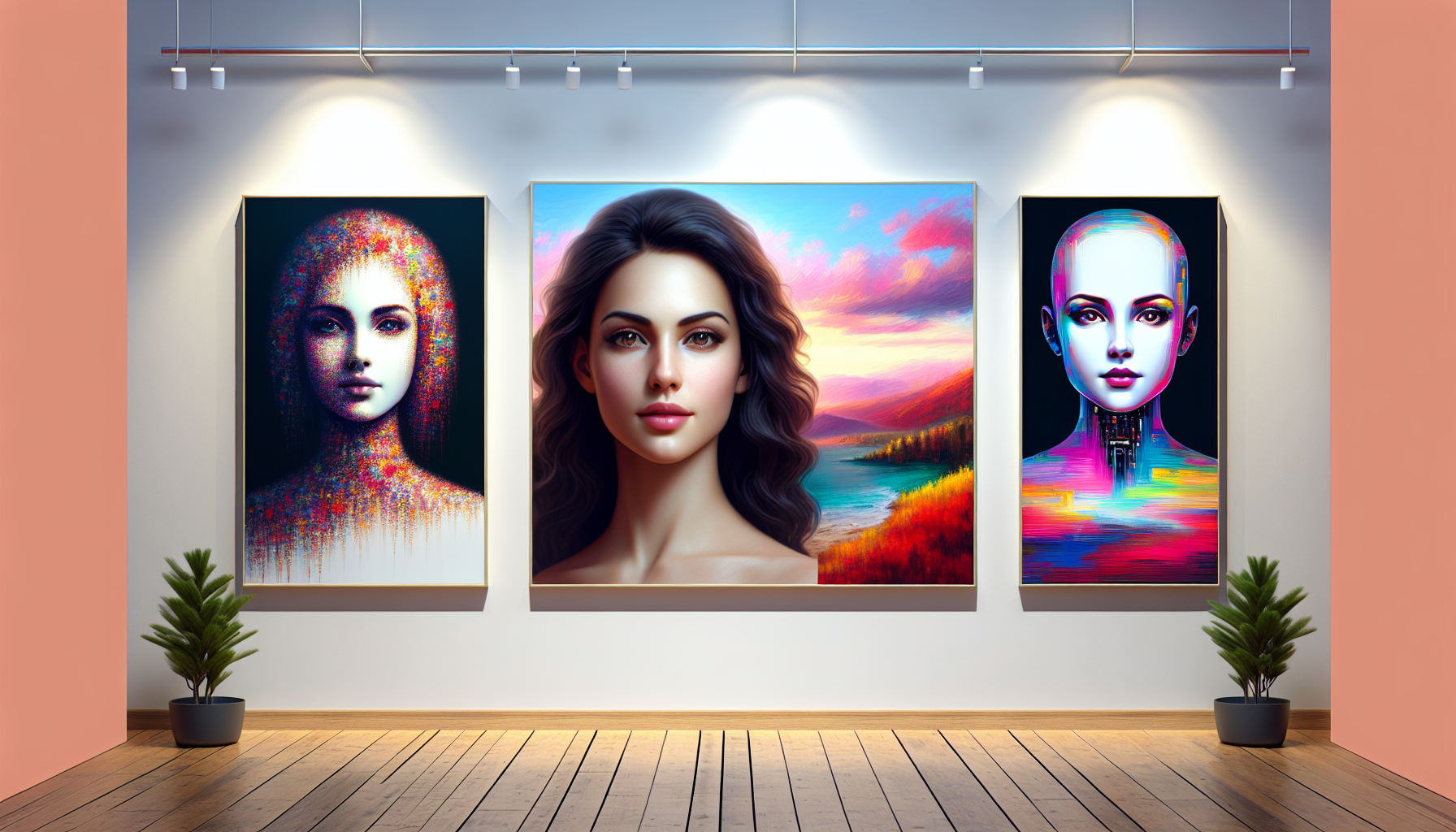
AI image generation has matured dramatically. In 2026, the question isn’t whether AI can make impressive images — it’s which tool makes the right images for your specific use case. This guide compares Midjourney, DALL-E 3, and Adobe Firefly in depth, plus covers other notable contenders.
Quick Comparison: The Big Three
| Feature | Midjourney V7 | DALL-E 3 | Adobe Firefly |
|---|---|---|---|
| Image quality | Exceptional (artistic) | Excellent (versatile) | Professional-grade |
| Prompt accuracy | Good | Excellent | Excellent |
| Commercial license | Yes (paid plans) | Yes | Yes (enterprise) |
| Training data | General web | Licensed + web | Adobe Stock only |
| Entry price | $10/month | Included w/ ChatGPT Plus | Included w/ Creative Cloud |
| Best for | Artistic/creative work | Quick versatile generation | Commercial/brand-safe |
Midjourney V7: The Artist’s Choice
Midjourney remains the gold standard for pure aesthetic quality. Version 7 produces images with distinctive visual richness — complex lighting, textural depth, and compositional sophistication that other models struggle to match for purely artistic purposes. If visual impact is paramount, Midjourney is often the first choice.
Strengths
- Unmatched aesthetic quality for artistic and creative work
- Excellent at complex, atmospheric scenes
- Strong community and prompt-sharing ecosystem
- Style reference (–sref) lets you match reference image aesthetics
- Character consistency tools for coherent characters across images
Weaknesses
- Still primarily Discord-based (web interface improving)
- Less precise prompt following than DALL-E or Firefly
- Text rendering in images remains imperfect
- No free tier
Pricing
- Basic: $10/month (200 generations)
- Standard: $30/month (15 hours GPU time)
- Pro: $60/month (30 hours + stealth mode)
- Mega: $120/month (60 hours GPU time)
DALL-E 3: The Versatile Workhorse
DALL-E 3’s integration with ChatGPT makes it uniquely powerful: you can have a conversation, refine prompts iteratively, and generate images within a continuous workflow. The model excels at prompt adherence — it does what you actually ask, including rendering specific text within images accurately.
Strengths
- Best prompt following of any major model
- Accurate text rendering within images
- Seamless ChatGPT integration for iterative refinement
- Strong developer API
- Included with ChatGPT Plus ($20/month)
Weaknesses
- Aesthetic quality below Midjourney for artistic work
- More conservative safety filters
- Less control over fine-grained style parameters
Adobe Firefly: The Safe Commercial Choice
Adobe Firefly is the only major AI image generator trained exclusively on licensed Adobe Stock images — making it the safest choice for commercial work from a copyright perspective. For brands and enterprises where IP risk is a concern, this is a genuine differentiator.
Strengths
- 100% commercially safe training data
- Deep integration with Photoshop and Creative Cloud
- Generative Fill in Photoshop is transformative for photo editing
- Vector output (unique among major generators)
- Enterprise-grade IP indemnification available
Weaknesses
- Training data limitation means less visual diversity
- Requires Creative Cloud subscription for full features
- Less visually striking than Midjourney for pure artistic work
Other Notable Generators
Stable Diffusion
The open-source option. Run locally, fine-tune on custom datasets, and customize to an extraordinary degree. Maximum control for technical users who value privacy and customization.
Ideogram 2.0
Best-in-class for text rendering within images. If you need images with readable text, logos, or typographic elements, Ideogram is essential to test.
Leonardo AI
Fine-grained control with a large library of community-trained models. Popular with game developers needing style consistency across large projects.
Which Should You Choose?
- Highest quality artistic output: Midjourney V7
- Best for content marketing/blogs: DALL-E 3
- Commercial use / enterprise: Adobe Firefly
- Developer/API use: DALL-E 3 API
- Maximum customization: Stable Diffusion
- Best for text in images: Ideogram 2.0
Universal Prompting Tips
- Be specific about style — “photorealistic, studio lighting” vs just “photo”
- Specify composition — “wide 16:9, rule of thirds, subject in foreground”
- Reference aesthetics — “cinematic color grading,” “editorial magazine style”
- Use negative prompts — specify what you don’t want to see
- Iterate — first generations are starting points, not final outputs
For 500+ proven prompts optimized for each major image generation platform, the AI Prompts Megapack includes extensive image generation templates that consistently produce professional results.
The Bottom Line
Most professional creatives in 2026 maintain access to at least two platforms: Midjourney for creative/artistic work, and either DALL-E 3 or Adobe Firefly for commercial work. Start with free tiers, test your specific use cases, then commit to paid plans that deliver consistent value for your primary workflow.
Stay current with new model releases via AI Chronicle Premium — the AI image generation space evolves monthly.

 Best AI Tools for Marketing in 2026: The Ultimate Guide
 Rivian Advances AI-Powered Self-Driving but Faces Significant Challenges
 Best SEO Tools 2026: The Ultimate Guide to Ranking Higher
 Writesonic Review 2026: Best Budget AI Writing Tool?